UX / Product Design — Case Study
Customer hub design
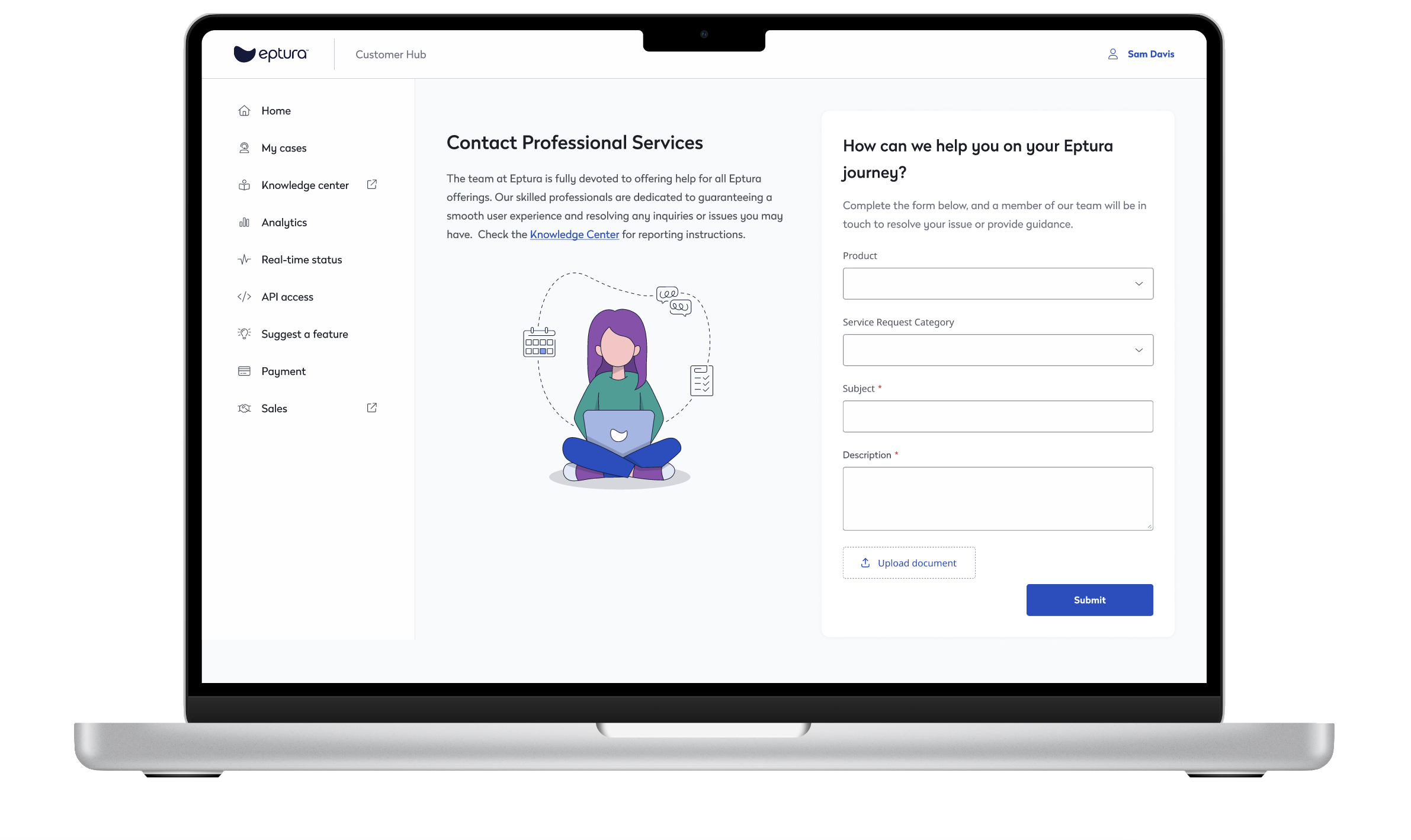
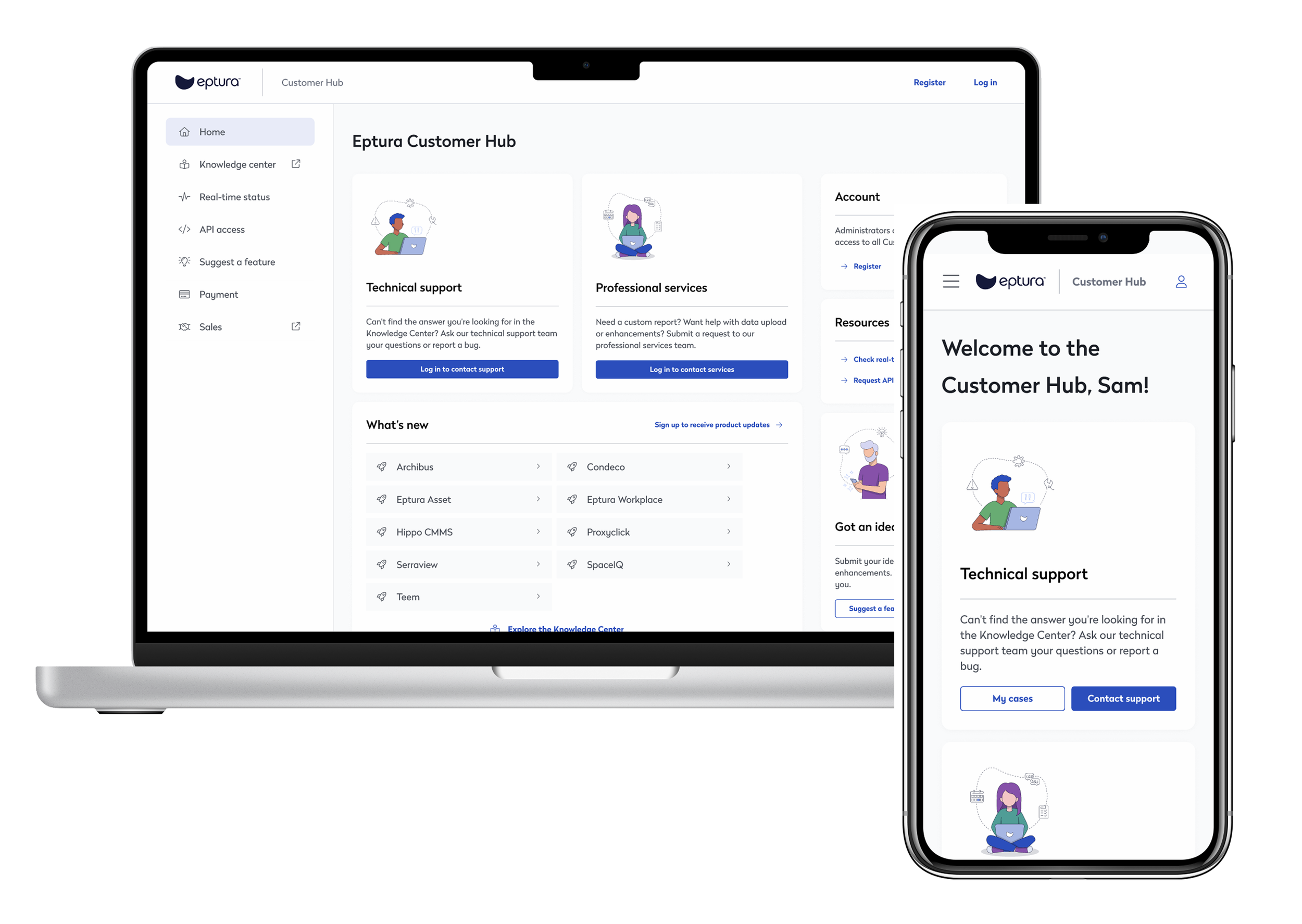
I designed a Customer Hub to connect Eptura customers with technical support and developer tools, built as a responsive site within Salesforce Experience Builder. The hub centralizes key customer actions: creating support tickets, requesting professional services, checking account balances, viewing real‑time system status, and accessing API documentation. My role centered on defining the structure, navigation, and interaction patterns that made these diverse functions feel cohesive and easy to use, including highlighting key actions on the home page so customers could quickly access their most important tasks.
Designing a frictionless start
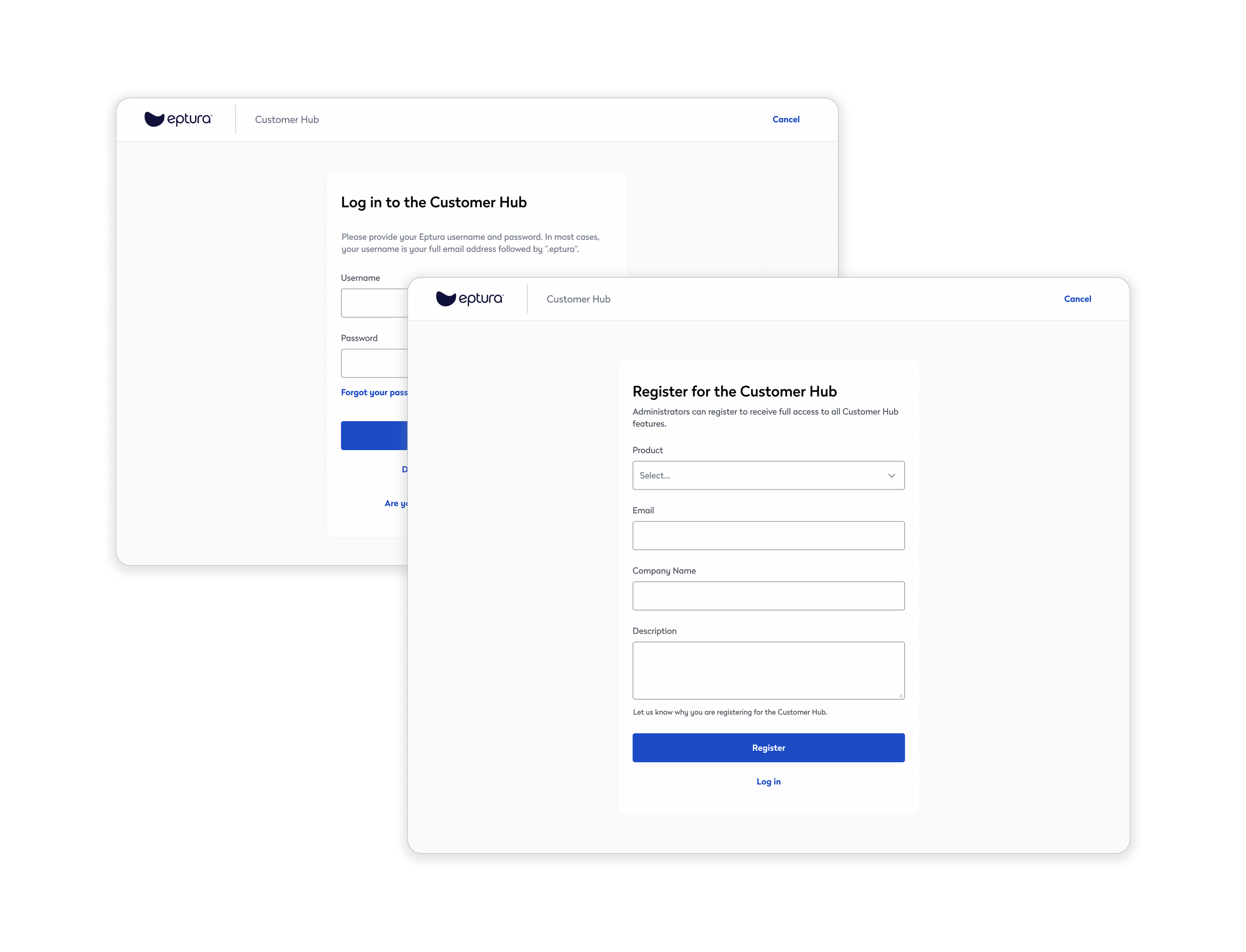
The onboarding flow included redesigned login and registration screens that established a clearer, more welcoming entry point into the Customer Hub. I focused on creating a straightforward, responsive layout with intuitive field organization and visual cues that reduced friction for both new and returning users.
Crafting an inviting request interface
I approached the professional services request screen with a focus on friendliness and visual clarity. The conversational heading softens the tone of the experience, while a bright, engaging illustration keeps the layout from feeling overly formal. The result is a more inviting flow for users submitting detailed requests, making the process feel simple and approachable rather than transactional.